
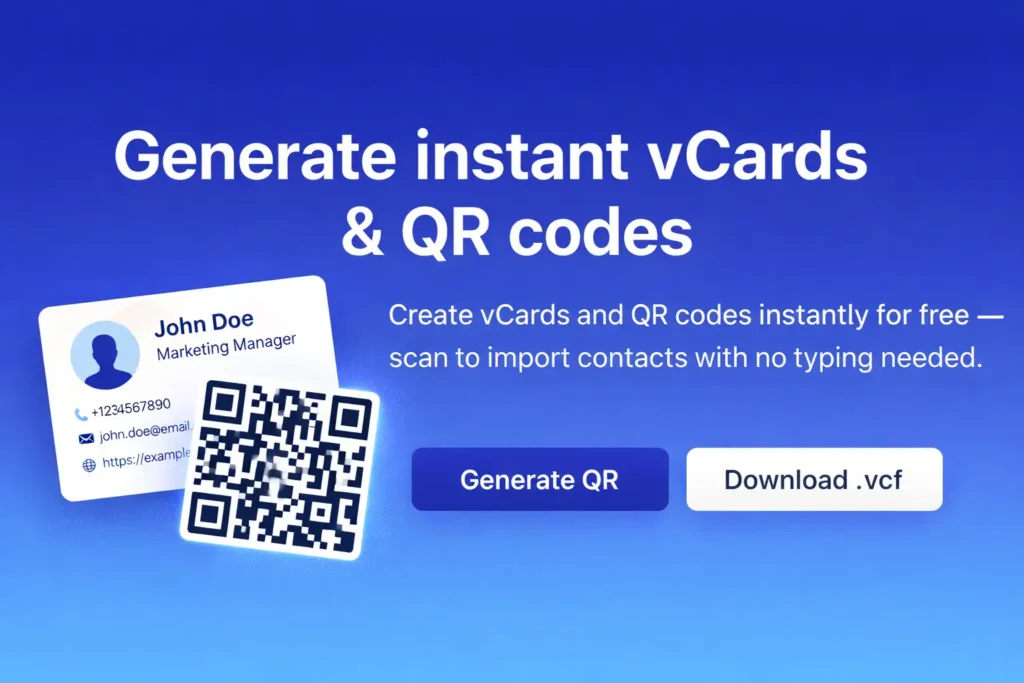
This page is a vCard Qr Code Generator: it helps you create a standards-based contact card (vCard) and instantly convert it into a scannable QR code.
Generated vCard
Why you would use this vCard Qr Code Generator
- Instant contact sharing: Instead of spelling out a phone number or email, you show a QR code — the other person scans and saves the contact in seconds.
- Works everywhere: A QR from this vCard Qr Code Generator can be placed on a landing page, email signature, social profile, PDF, slide deck, or printed on business cards and stickers.
- One source of truth: You enter the details once in the vCard Qr Code Generator, then export them in the formats you need.
What exactly is generated
This vCard Qr Code Generator produces two outputs:
- vCard text (VCF)
- Format:
VERSION:3.0 - Fields: First name, Last name, Organization, Job title, Phone, Email, URL
- You can:
- Download .vcf — a file that many devices/apps can import as a contact
- Copy vCard — quickly paste the vCard into notes, messages, or a CRM
- QR code that contains the vCard
- The QR code encodes the vCard text generated by this vCard Qr Code Generator.
- Settings:
- Error correction (L/M/Q/H): higher correction is more print-friendly, but reduces maximum capacity
- Margin: the “quiet zone” around the QR code (important for reliable scanning)
- Scale: module/pixel size (affects readability on screens and in print)
- Exports:
- Download QR (PNG) — convenient for websites and social platforms
- Download QR (SVG) — best for printing and lossless scaling
Practical examples
Use this vCard Qr Code Generator when you need:
- A QR on a business card or badge (SVG + error correction H is usually best)
- A QR sticker for an office door, warehouse, or front desk
- A “Contact us” QR on a website or landing page
- A QR embedded in a PDF or presentation
Privacy, ads, and data policy
- 100% free: this vCard Qr Code Generator is completely free to use.
- No data storage: we do not store your form inputs, generated vCards, or generated QR codes.
- No ads in generated codes: we will not add ads, watermarks, tracking links, or promotional redirects into the QR codes.
- Local generation: the vCard Qr Code Generator runs in your browser. Your data should not be sent to a server (aside from loading the page itself and the QR library).
Tips for reliable scanning
- For print, prefer H (or Q) error correction for better resilience to dirt/scratches.
- Don’t set Margin too low — the quiet zone is critical for camera scanners.
- If the vCard becomes long (lots of fields or characters), increase Scale and keep good margins.